
scatterD3 is an HTML R widget for interactive scatter
plots visualization. It is based on the htmlwidgets R package and on the
d3.js javascript library.
Here is a small preview of what you will get :
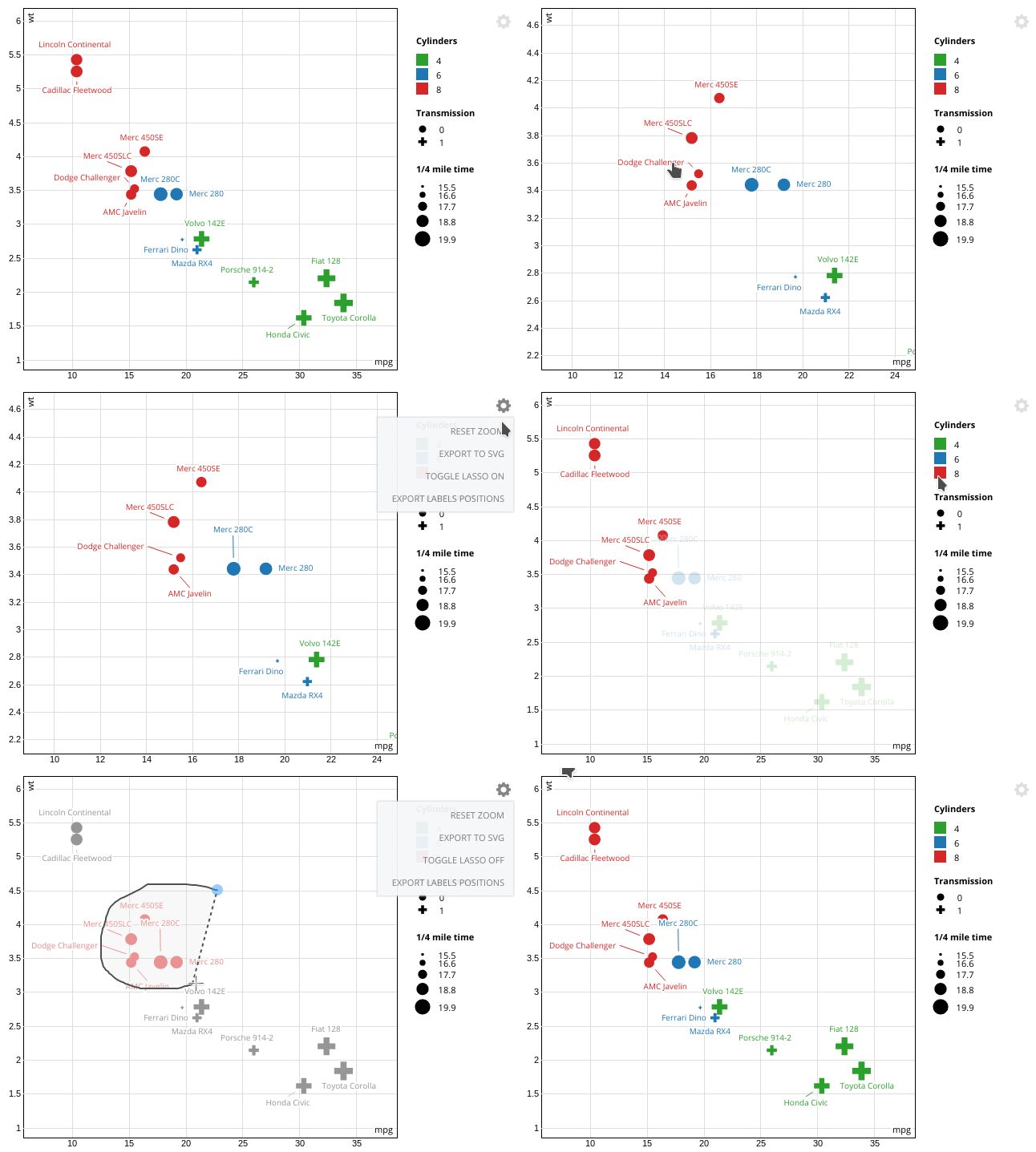
The visual guide gives a list of features and examples.
Install from CRAN :
install.packages("scatterD3")Or from Github for the latest development version :
remotes::install_github("juba/scatterD3")Quick example of the scatterD3 function based on the
mtcars dataset :
mtcars$names <- rownames(mtcars)
scatterD3(data = mtcars, x = wt, y = mpg, lab = names,
          col_var = cyl, symbol_var = am,
          xlab = "Weight", ylab = "Mpg", col_lab = "Cylinders",
          symbol_lab = "Manual transmission")
See the visual guide for a step-by-step guide and details about the different function arguments.
scatterD3 provides a built-in SVG export of the current
widget view. As an HTML
widget, you can also include it in an Rmarkdown HTML document while
keeping its interactive features.
Like every R HTML widget, shiny integration is straightforward. But
as a D3 widget, scatterD3 is updatable : changes
in settings or data can be displayed via smooth transitions instead of a
complete chart redraw, which can provide interesting visual clues.
Furthermore, scatterD3 provides some additional handlers
and callback hooks for a more complete JavaScript interactivity and
integration.
You can check the sample scatterD3 shiny app and the visual guide for a better understanding of the different arguments.
This package uses packer to manage JavaScript source code and dependencies. If you want to modify it, you’ll need a working installation of Node.js.
After cloning this repository, run the following in a terminal at the project root :
npm install --production=falseThen, if you modify the JavaScript code in srcjs, you’ll
have to run the following command to bundle and update the widget
JavaScript code :
packer::bundle_dev()If you want to ship a minimized production version, use :
packer::bundle_prod()This package has been made possible by :